









All fields are required. Review our Privacy Policy.


Victoria and Vancouver Island
Chilliwack and the Fraser Valley
Kamloops BC
100 Mile House
Ask us today how we can help you find a solution.
All fields are required. Review our Privacy Policy.
Click below for the specific location near you!

Superior appearance and function-have it all. An energy efficient shade with benefits to regulate temperature. Light blocking features without compromise
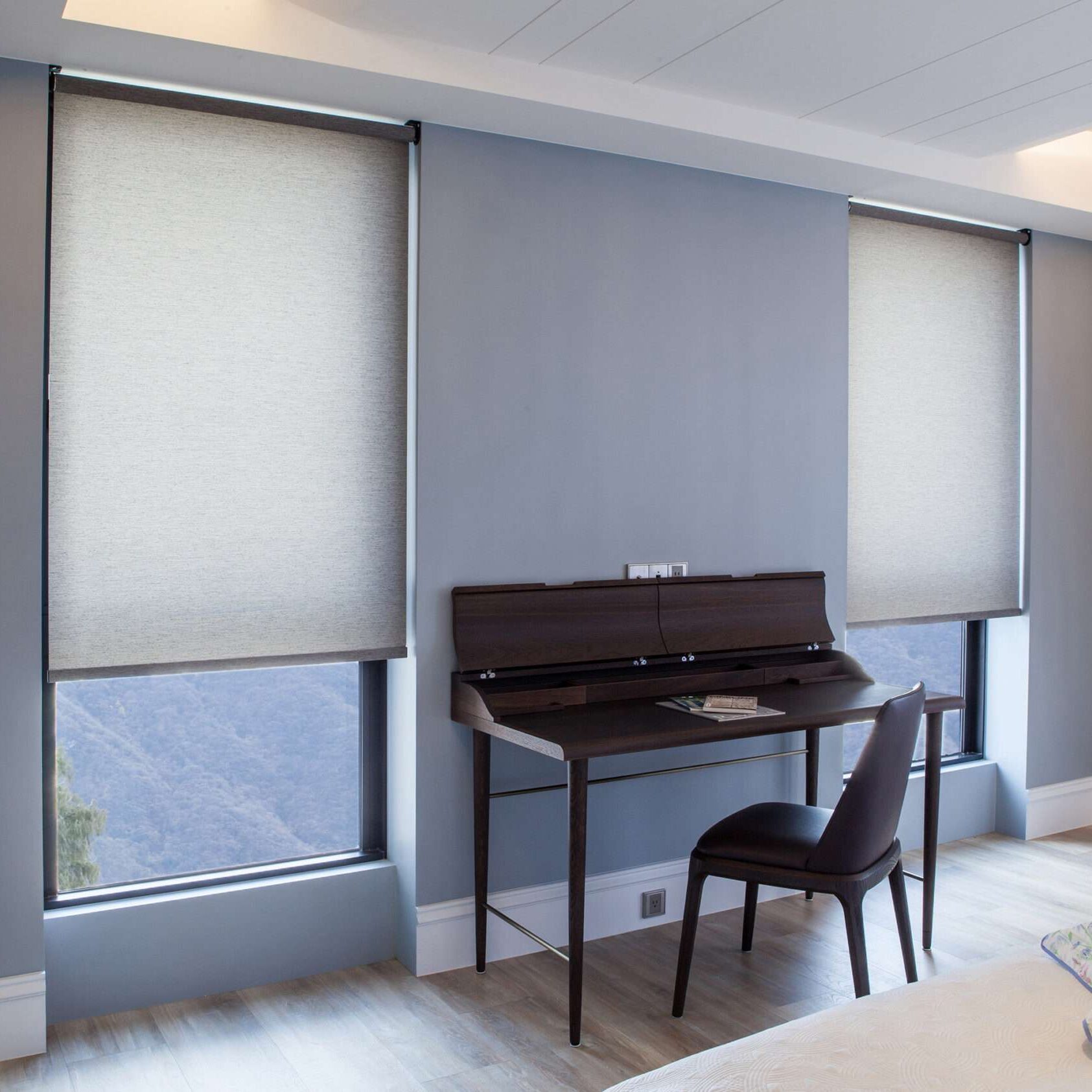
Our collection is filled with on trend patterns, solar screens, colours, and textures in a variety of transparencies and room darkening/ black out options.
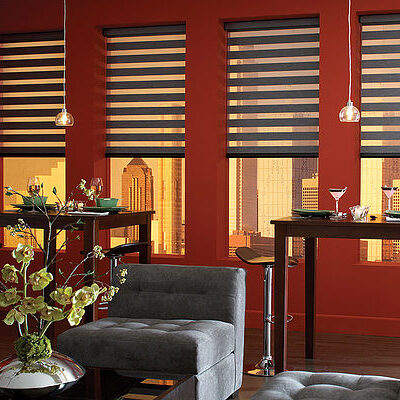
A popular, chic and modern window treatment for YOUR home. Banded fabric creates a soft, elegant look with complete light control. Beautiful blinds in any setting.

Shutters offer a beautiful finished look to your windows. These Window Coverings have a host of advantages that makes them a superior to any other treatment.

Commercial or Residential. Custom to YOUR outdoor space. Exceptional craftsmanship and warranty. Swiss designed, Canadian made.

Sunglasses for your home! Provide superior solar protection, mitigate UV damage, invisible from the inside and provide daytime privacy.

The ultimate solution to security for residential and commerical settings. Protect your windows and more importantly, what is behind them.

Screen solutions for every patio or door no matter what the size. The ultimate UV and insect control. Our Patio Screens are discreet and modern, designed to fit your home

Let’s Motorize! Control your blinds and window coverings simultaneously by the press of a button. Safety and convenience by eliminating all cords.


